" height="31.469717497114758px" id="eCOXNpv5s" transform="translate(0 8.53)" width="32.43161611406683px"/><path d="M 6.851 1.35 C 6.851 4.361 4.335 6.803 1.23 6.803 L 0 6.803 L 0 5.452 C 0 2.442 2.515 0 5.62 0 L 6.85 0 L 6.85 1.35 Z" fill="rgb(255, 87, 20)" height="6.8031511867128245px" id="yGyYVDzJf" transform="translate(16.216 0)" width="6.851178904096614px"/><path d="M 59.255 11.828 C 59.12 11.828 59.053 11.758 59.053 11.615 L 59.053 0.426 C 59.053 0.285 59.12 0.214 59.255 0.214 L 66.26 0.214 C 66.394 0.214 66.46 0.284 66.46 0.427 L 66.46 1.881 C 66.46 2.022 66.394 2.093 66.26 2.093 L 61.248 2.093 L 61.248 5.054 L 65.821 5.054 C 65.955 5.054 66.022 5.125 66.022 5.268 L 66.022 6.633 C 66.022 6.774 65.955 6.845 65.821 6.845 L 61.248 6.845 L 61.248 9.948 L 66.26 9.948 C 66.394 9.948 66.46 10.019 66.46 10.161 L 66.46 11.616 C 66.46 11.757 66.394 11.828 66.26 11.828 Z M 51.202 12.04 C 50.313 12.04 49.532 11.874 48.861 11.544 C 48.203 11.213 47.662 10.694 47.307 10.054 C 46.942 9.403 46.758 8.606 46.758 7.66 L 46.758 4.38 C 46.758 2.962 47.184 1.88 48.038 1.135 C 48.904 0.378 50.087 0 51.587 0 C 52.661 0 53.563 0.166 54.294 0.497 C 55.037 0.828 55.581 1.289 55.922 1.88 C 56.276 2.459 56.398 3.127 56.287 3.884 C 56.276 4.024 56.202 4.097 56.068 4.097 L 54.295 4.078 C 54.148 4.078 54.081 4.008 54.092 3.866 C 54.117 3.44 54.038 3.079 53.855 2.784 C 53.684 2.477 53.416 2.246 53.05 2.092 C 52.685 1.939 52.215 1.862 51.641 1.862 C 50.751 1.862 50.08 2.074 49.629 2.5 C 49.178 2.914 48.953 3.559 48.953 4.433 L 48.953 7.607 C 48.953 8.494 49.172 9.143 49.612 9.558 C 50.062 9.971 50.727 10.178 51.605 10.178 C 52.459 10.178 53.111 9.989 53.562 9.611 C 54.014 9.22 54.239 8.659 54.239 7.926 L 54.239 7.359 L 51.77 7.359 C 51.623 7.359 51.55 7.288 51.55 7.146 L 51.55 5.958 C 51.55 5.828 51.623 5.762 51.77 5.762 L 56.123 5.762 C 56.257 5.762 56.325 5.828 56.325 5.958 L 56.325 9.22 C 56.325 9.622 56.331 10.031 56.343 10.444 C 56.367 10.858 56.41 11.242 56.471 11.597 C 56.495 11.667 56.483 11.728 56.434 11.774 C 56.395 11.81 56.342 11.829 56.288 11.827 L 54.86 11.827 C 54.809 11.83 54.758 11.817 54.714 11.792 C 54.674 11.751 54.643 11.703 54.623 11.65 C 54.594 11.479 54.569 11.308 54.549 11.136 L 54.512 10.55 L 54.476 10.55 C 54.265 10.862 53.998 11.132 53.69 11.348 C 53.364 11.583 52.998 11.757 52.61 11.863 C 52.151 11.986 51.677 12.046 51.201 12.04 Z M 34.943 11.828 C 34.809 11.828 34.742 11.758 34.742 11.615 L 34.742 0.426 C 34.742 0.285 34.809 0.214 34.943 0.214 L 37.541 0.214 C 37.662 0.214 37.748 0.261 37.797 0.355 L 40.741 6.119 C 40.949 6.508 41.138 6.886 41.309 7.253 C 41.63 7.897 41.923 8.553 42.187 9.222 L 42.241 9.222 C 42.217 8.903 42.199 8.559 42.186 8.193 L 42.15 7.059 L 42.15 0.427 C 42.15 0.285 42.217 0.214 42.352 0.214 L 44.071 0.214 C 44.217 0.214 44.29 0.284 44.29 0.427 L 44.29 11.616 C 44.29 11.757 44.217 11.828 44.071 11.828 L 41.509 11.828 C 41.388 11.828 41.303 11.781 41.254 11.686 L 38.4 6.119 C 38.215 5.759 38.032 5.399 37.852 5.037 C 37.683 4.664 37.513 4.291 37.34 3.92 C 37.189 3.57 37.036 3.222 36.882 2.873 L 36.827 2.873 L 36.864 3.99 C 36.876 4.369 36.882 4.747 36.882 5.125 L 36.882 11.615 C 36.882 11.757 36.809 11.828 36.663 11.828 Z M 22.818 11.828 C 22.659 11.828 22.598 11.752 22.635 11.597 L 26.586 0.373 C 26.622 0.267 26.701 0.213 26.823 0.213 L 29.164 0.213 C 29.299 0.213 29.384 0.267 29.421 0.373 L 33.389 11.597 C 33.439 11.752 33.383 11.828 33.225 11.828 L 31.286 11.828 C 31.165 11.828 31.085 11.775 31.048 11.668 L 28.689 4.381 C 28.567 3.99 28.446 3.607 28.324 3.228 L 27.994 2.057 L 27.957 2.057 C 27.848 2.436 27.732 2.82 27.609 3.21 C 27.5 3.589 27.384 3.967 27.262 4.344 L 24.958 11.65 C 24.921 11.769 24.837 11.828 24.702 11.828 L 22.817 11.828 Z M 25.323 9.399 L 25.744 7.661 L 30.189 7.661 L 30.628 9.399 Z M 12.919 11.828 C 12.784 11.828 12.717 11.758 12.717 11.615 L 12.717 0.426 C 12.717 0.285 12.784 0.214 12.919 0.214 L 16.76 0.214 C 18.333 0.214 19.479 0.509 20.199 1.1 C 20.918 1.68 21.278 2.531 21.278 3.654 C 21.278 4.47 21.083 5.161 20.692 5.728 C 20.314 6.284 19.748 6.668 18.992 6.881 L 18.992 6.917 L 21.936 11.58 C 21.986 11.65 21.992 11.711 21.954 11.757 C 21.93 11.805 21.875 11.828 21.79 11.828 L 19.76 11.828 C 19.655 11.831 19.556 11.777 19.504 11.686 L 16.742 7.201 L 14.912 7.201 L 14.912 11.616 C 14.912 11.757 14.839 11.828 14.694 11.828 Z M 14.912 5.516 L 16.669 5.516 C 17.51 5.516 18.119 5.374 18.497 5.09 C 18.887 4.806 19.083 4.351 19.083 3.725 C 19.083 3.11 18.906 2.672 18.553 2.413 C 18.198 2.152 17.601 2.022 16.759 2.022 L 14.912 2.022 L 14.912 5.515 Z M 5.412 12.04 C 3.804 12.04 2.596 11.668 1.791 10.923 C 0.986 10.166 0.585 9.084 0.585 7.678 L 0.585 4.362 C 0.585 2.943 0.986 1.862 1.791 1.117 C 2.596 0.372 3.804 0 5.413 0 C 7.01 0 8.211 0.372 9.016 1.117 C 9.821 1.862 10.223 2.943 10.223 4.362 L 10.223 7.678 C 10.223 9.084 9.821 10.167 9.017 10.923 C 8.211 11.667 7.01 12.04 5.413 12.04 Z M 5.412 10.178 C 6.279 10.178 6.931 9.959 7.37 9.522 C 7.809 9.073 8.029 8.423 8.029 7.572 L 8.029 4.469 C 8.029 3.618 7.809 2.974 7.37 2.536 C 6.931 2.086 6.279 1.862 5.413 1.862 C 4.546 1.862 3.889 2.086 3.437 2.536 C 2.999 2.974 2.778 3.618 2.778 4.469 L 2.778 7.572 C 2.778 8.423 2.999 9.073 3.437 9.522 C 3.889 9.959 4.548 10.178 5.413 10.178 Z M 59.488 25.96 C 59.38 25.96 59.326 25.905 59.326 25.796 L 59.326 15.351 C 59.326 15.241 59.38 15.187 59.488 15.187 L 61.849 15.187 C 63.197 15.187 64.205 15.565 64.874 16.321 C 65.542 17.068 65.877 18.203 65.877 19.726 L 65.877 21.026 C 65.877 22.682 65.548 23.921 64.891 24.743 C 64.233 25.555 63.235 25.96 61.898 25.96 Z M 60.863 24.545 L 61.8 24.545 C 62.674 24.545 63.316 24.266 63.726 23.707 C 64.136 23.148 64.34 22.27 64.34 21.075 L 64.34 19.677 C 64.34 18.635 64.136 17.862 63.726 17.359 C 63.316 16.854 62.664 16.601 61.768 16.601 L 60.863 16.601 L 60.863 24.546 Z M 50.762 25.96 C 50.664 25.96 50.616 25.905 50.616 25.796 L 50.616 15.351 C 50.616 15.241 50.664 15.187 50.762 15.187 L 53.285 15.187 C 54.396 15.187 55.215 15.439 55.743 15.944 C 56.272 16.447 56.535 17.215 56.535 18.246 C 56.535 19.036 56.396 19.677 56.115 20.171 C 55.858 20.644 55.44 21.011 54.935 21.207 L 54.935 21.223 L 56.972 25.746 C 57.037 25.889 57 25.96 56.86 25.96 L 55.468 25.96 C 55.393 25.96 55.338 25.922 55.306 25.845 L 53.398 21.486 L 52.154 21.486 L 52.154 25.796 C 52.154 25.906 52.105 25.96 52.008 25.96 L 50.763 25.96 Z M 52.153 20.154 L 53.253 20.154 C 53.867 20.154 54.309 20.006 54.578 19.71 C 54.848 19.414 54.984 18.953 54.984 18.328 C 54.984 17.692 54.848 17.242 54.578 16.979 C 54.309 16.716 53.878 16.585 53.285 16.585 L 52.153 16.585 Z M 41.428 25.96 C 41.32 25.96 41.282 25.9 41.315 25.78 L 43.983 15.318 C 44.006 15.231 44.064 15.187 44.162 15.187 L 45.828 15.187 C 45.914 15.187 45.973 15.231 46.005 15.317 L 48.706 25.78 C 48.727 25.9 48.685 25.96 48.577 25.96 L 47.202 25.96 C 47.137 25.96 47.084 25.916 47.04 25.829 L 45.455 18.92 C 45.369 18.56 45.289 18.198 45.213 17.835 C 45.138 17.473 45.062 17.106 44.987 16.732 L 44.954 16.732 C 44.889 17.106 44.819 17.473 44.743 17.835 C 44.668 18.187 44.592 18.548 44.517 18.92 L 42.932 25.829 C 42.911 25.916 42.851 25.96 42.754 25.96 Z M 43.207 23.526 L 43.482 22.178 L 46.458 22.178 L 46.765 23.526 L 43.208 23.526 Z M 33.5 25.96 C 33.391 25.96 33.338 25.905 33.338 25.796 L 33.338 15.351 C 33.338 15.241 33.391 15.187 33.5 15.187 L 35.861 15.187 C 37.209 15.187 38.217 15.565 38.886 16.321 C 39.554 17.068 39.889 18.203 39.889 19.726 L 39.889 21.026 C 39.889 22.682 39.559 23.921 38.902 24.743 C 38.244 25.555 37.247 25.96 35.909 25.96 Z M 34.874 24.545 L 35.813 24.545 C 36.686 24.545 37.328 24.266 37.737 23.707 C 38.147 23.148 38.351 22.27 38.351 21.075 L 38.351 19.677 C 38.351 18.635 38.147 17.862 37.737 17.359 C 37.328 16.854 36.675 16.601 35.78 16.601 L 34.874 16.601 L 34.874 24.546 Z M 24.031 25.96 C 23.934 25.96 23.885 25.905 23.885 25.796 L 23.885 15.351 C 23.885 15.241 23.934 15.187 24.031 15.187 L 25.858 15.187 C 25.955 15.187 26.015 15.225 26.036 15.301 L 28.091 21.059 C 28.209 21.366 28.322 21.695 28.43 22.045 C 28.549 22.397 28.656 22.737 28.755 23.066 C 28.862 23.383 28.947 23.679 29.012 23.953 L 29.061 23.953 C 29.037 23.619 29.015 23.284 28.996 22.949 L 28.964 21.832 L 28.964 15.351 C 28.964 15.241 29.012 15.187 29.109 15.187 L 30.306 15.187 C 30.404 15.187 30.452 15.241 30.452 15.351 L 30.452 25.796 C 30.452 25.906 30.404 25.96 30.306 25.96 L 28.495 25.96 C 28.419 25.96 28.36 25.922 28.317 25.845 L 26.311 20.253 C 26.121 19.736 25.943 19.215 25.778 18.69 C 25.638 18.201 25.492 17.713 25.341 17.226 L 25.309 17.226 C 25.319 17.544 25.325 17.901 25.325 18.296 L 25.357 19.447 C 25.368 19.83 25.374 20.193 25.374 20.532 L 25.374 25.796 C 25.374 25.906 25.325 25.96 25.228 25.96 Z M 14.698 25.96 C 14.589 25.96 14.552 25.9 14.584 25.78 L 17.253 15.318 C 17.274 15.231 17.334 15.187 17.431 15.187 L 19.097 15.187 C 19.183 15.187 19.242 15.231 19.275 15.317 L 21.975 25.78 C 21.998 25.9 21.954 25.96 21.847 25.96 L 20.471 25.96 C 20.407 25.96 20.353 25.916 20.309 25.829 L 18.724 18.92 C 18.639 18.56 18.558 18.198 18.482 17.835 C 18.407 17.473 18.331 17.106 18.256 16.732 L 18.224 16.732 C 18.159 17.106 18.089 17.473 18.013 17.835 C 17.938 18.187 17.862 18.548 17.787 18.92 L 16.202 25.829 C 16.18 25.916 16.121 25.96 16.023 25.96 Z M 16.476 23.526 L 16.752 22.178 L 19.728 22.178 L 20.035 23.526 L 16.477 23.526 Z M 10.267 25.96 C 10.17 25.96 10.122 25.905 10.122 25.796 L 10.122 16.619 L 7.97 16.619 C 7.874 16.619 7.825 16.559 7.825 16.438 L 7.825 15.353 C 7.825 15.242 7.874 15.188 7.97 15.188 L 13.81 15.188 C 13.906 15.188 13.955 15.242 13.955 15.353 L 13.955 16.437 C 13.955 16.558 13.906 16.618 13.81 16.618 L 11.658 16.618 L 11.658 25.797 C 11.658 25.907 11.609 25.961 11.512 25.961 L 10.267 25.961 Z M 2.948 26.093 C 1.848 26.093 1.061 25.807 0.587 25.237 C 0.123 24.667 -0.066 23.91 0.02 22.967 C 0.03 22.814 0.085 22.737 0.182 22.737 L 1.378 22.737 C 1.487 22.737 1.54 22.814 1.54 22.968 C 1.498 23.548 1.6 23.987 1.848 24.282 C 2.107 24.568 2.495 24.711 3.013 24.711 C 3.52 24.711 3.892 24.595 4.128 24.365 C 4.366 24.135 4.485 23.773 4.485 23.28 C 4.485 23.027 4.452 22.802 4.387 22.605 C 4.32 22.403 4.209 22.218 4.063 22.062 C 3.897 21.877 3.7 21.721 3.481 21.602 L 1.751 20.566 C 1.169 20.204 0.743 19.803 0.473 19.365 C 0.215 18.915 0.09 18.367 0.101 17.72 C 0.111 16.854 0.355 16.195 0.829 15.746 C 1.314 15.285 2.015 15.055 2.932 15.055 C 3.946 15.055 4.706 15.324 5.212 15.861 C 5.729 16.387 5.945 17.134 5.859 18.099 C 5.838 18.263 5.784 18.345 5.697 18.345 L 4.469 18.345 C 4.361 18.345 4.317 18.263 4.34 18.098 C 4.383 17.582 4.281 17.183 4.033 16.898 C 3.796 16.602 3.44 16.453 2.965 16.453 C 2.545 16.453 2.222 16.558 1.995 16.766 C 1.769 16.963 1.655 17.27 1.655 17.687 C 1.645 18.071 1.72 18.389 1.881 18.64 C 2.043 18.882 2.313 19.112 2.69 19.333 L 4.372 20.351 C 4.782 20.592 5.105 20.851 5.343 21.124 C 5.59 21.388 5.769 21.695 5.876 22.046 C 5.985 22.385 6.038 22.797 6.038 23.28 C 6.038 24.168 5.79 24.858 5.294 25.352 C 4.798 25.846 4.016 26.092 2.949 26.092 Z" fill="rgb(23, 23, 23)" height="26.09262957451628px" id="G_jsIAzLG" transform="translate(40.54 11.039)" width="66.46047841033874px"/></g></svg>)
" height="31.469717497114758px" id="nxleYtm6x" transform="translate(1 8.53)" width="32.43161611406683px"/><path d="M 6.851 1.35 C 6.851 4.361 4.335 6.803 1.23 6.803 L 0 6.803 L 0 5.452 C 0 2.442 2.515 0 5.62 0 L 6.85 0 L 6.85 1.35 Z" fill="rgb(255, 87, 20)" height="6.8031511867128245px" id="ZZ56pTyUM" transform="translate(17.216 0)" width="6.851178904096614px"/></svg>)
With over 80 million Bitcoin wallet users worldwide as of 2023, understanding how to receive bitcoins has become essential knowledge for anyone entering the cryptocurrency space. Whether you’re receiving bitcoin payments for business, getting paid in crypto, or simply want to receive crypto from friends, the process involves specific steps that ensure security and success.
Receiving bitcoin is fundamentally different from traditional payment methods. Unlike banks that control your account, bitcoin transactions occur on a decentralized network where you maintain full control over your funds. This guide will walk you through everything you need to know about receiving bitcoins safely and efficiently, from setting up your first crypto wallet to understanding transaction confirmations.
What You Need to Receive Bitcoin
Before you can receive bitcoin payments, you’ll need a cryptocurrency wallet - essentially a software application or hardware device that manages your bitcoin addresses and private keys. Think of a bitcoin address like a bank account number that others can send payments to, except it’s completely digital and operates on the bitcoin network.
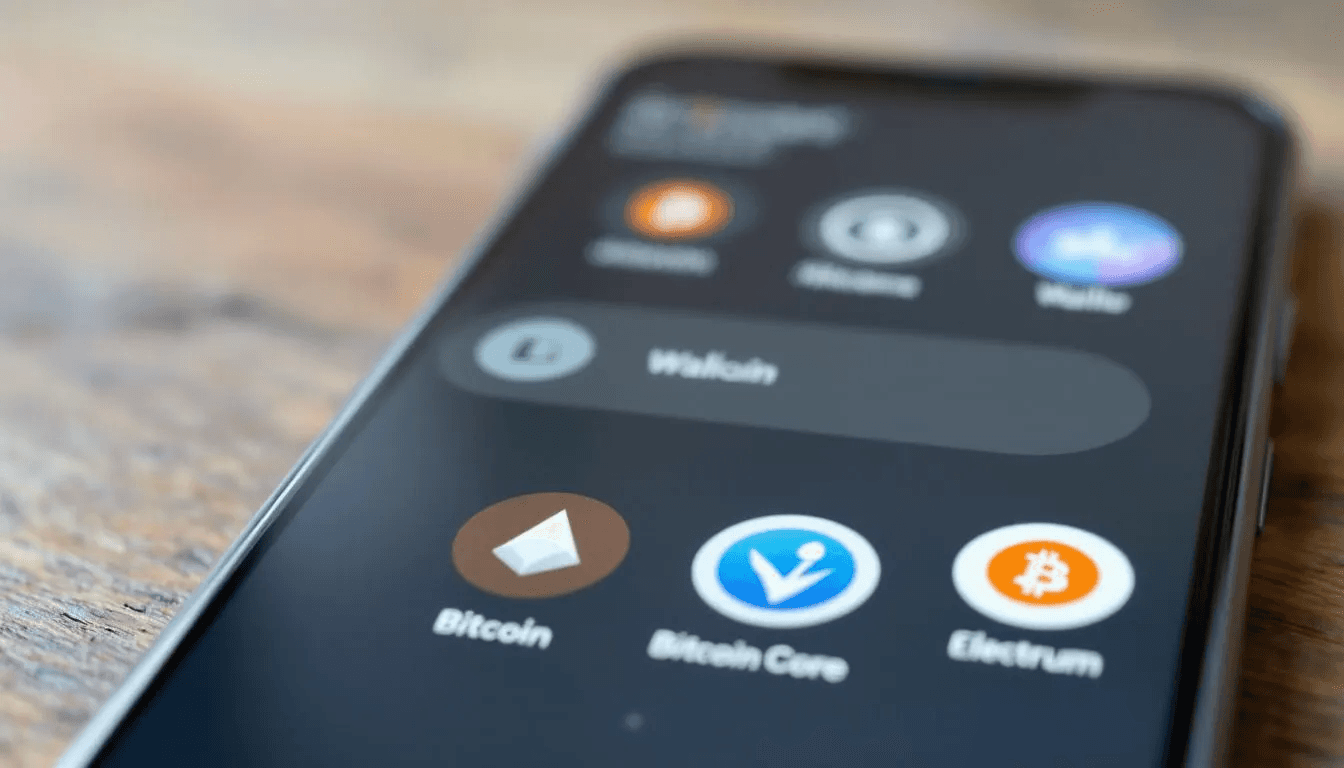
Your wallet choice depends on your security needs and how frequently you plan to send and receive bitcoin:
Software Wallets are the most common starting point for beginners:
Electrum: A lightweight desktop app that doesn’t require downloading the entire blockchain
Bitcoin Core: The original bitcoin wallet software, though it requires significant storage space
Exodus: User-friendly wallet available as both mobile and desktop app
Bitcoin.com Wallet: Simple mobile wallet app for quick transactions
Hardware Wallets offer the highest security for storing larger amounts:
Ledger Nano S/X: Popular hardware wallets that store private keys offline
Trezor: Another leading hardware wallet brand with strong security features
Mobile Wallets provide convenience for everyday transactions:
Most wallets offer both mobile and desktop versions
Perfect for receiving smaller amounts and peer to peer transactions
Each crypto wallet generates unique wallet addresses automatically. Unlike traditional banking where you typically have one account number, most wallets create a new address for each transaction to enhance privacy and security. These bitcoin addresses serve as your public receiving addresses that you can safely share with anyone who wants to send you bitcoin.
Step-by-Step Process to Receive Bitcoin
Receiving bitcoin follows a straightforward process that becomes second nature once you’ve done it a few times. Here’s exactly how to receive bitcoins:
Step 1: Download and set up a Bitcoin wallet application
Choose a reputable wallet from official sources only. For beginners, start with a well-known mobile or desktop app. Download directly from the official website or verified app stores. During setup, you’ll create a secure password and receive a recovery seed phrase - write this down and store it somewhere secure, as it’s your only way to recover your wallet if you lose access.
Step 2: Open your wallet and locate the “Receive” or “Receive Bitcoin” button
Most wallets prominently display a “Receive” button on the home screen or main interface. Some wallets might label it “Receive Bitcoin,” “Get Paid,” or show a downward arrow icon. This section is where your wallet generates addresses for receiving cryptocurrency.
Step 3: Generate a new Bitcoin address
When you click receive, your crypto wallet automatically generates a fresh bitcoin address. This appears as both an alphanumeric string (26-35 characters) and a qr code. Many wallets create a new address each time to protect your privacy, though you can reuse addresses if needed.
Step 4: Copy the Bitcoin address or share the QR code with the sender
You have several options for sharing your recipient’s bitcoin address:
Copy the address text and send via email or text message
Share the qr code for in-person transactions (sender scans with their wallet)
Some wallets allow sharing directly through messaging apps
Always double check the address before sharing. Bitcoin transactions are irreversible, so an incorrect address means permanent loss of funds.
Step 5: Wait for transaction confirmation
After the sender initiates their transaction, you’ll typically see it appear in your wallet within minutes as “pending” or “unconfirmed.” The first confirmation usually takes 10-60 minutes, depending on bitcoin network congestion and the transaction fee paid by the sender. Higher fees result in faster confirmations.
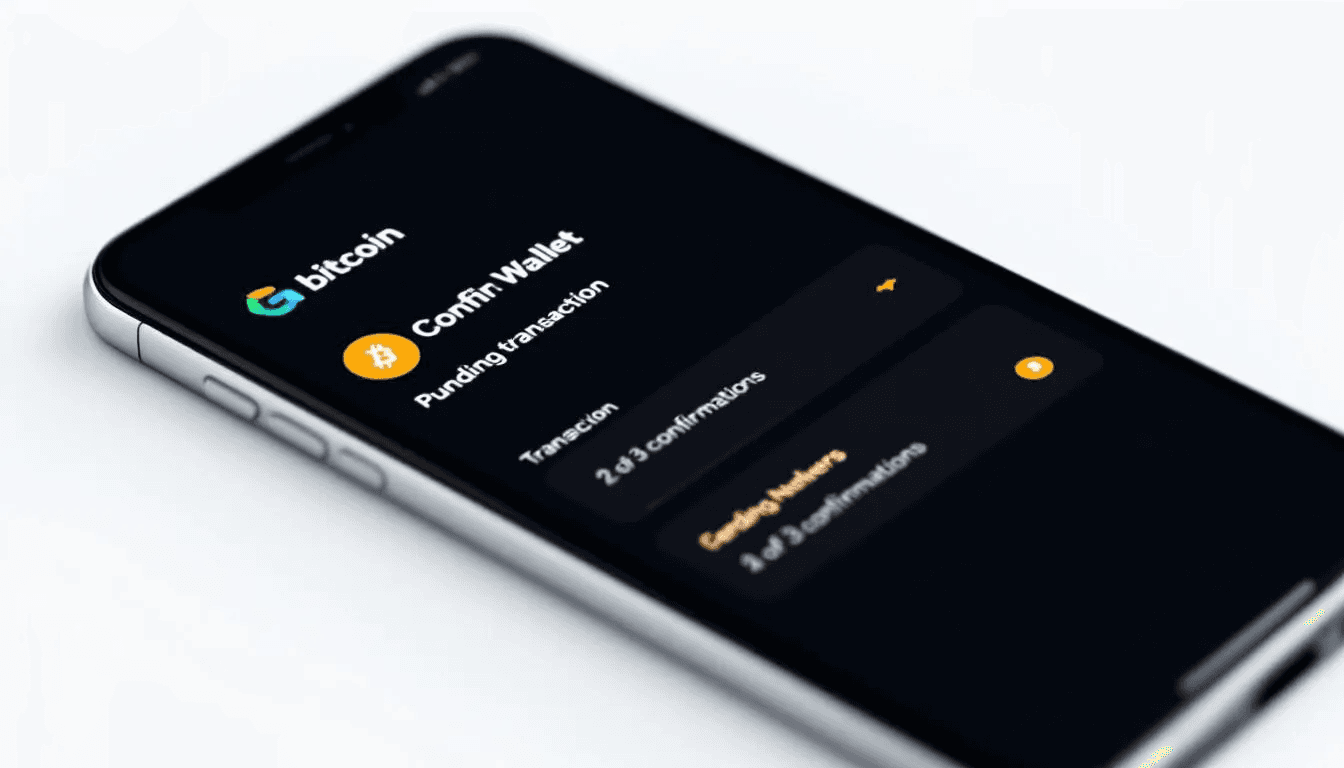
Your wallet will automatically update once the transaction receives confirmations on the blockchain. You don’t need to do anything during this waiting period - the bitcoin network handles everything automatically.
Understanding Bitcoin Addresses
Bitcoin addresses are the fundamental building blocks for receiving bitcoins. These addresses function like email addresses for money - they’re public identifiers that others use to send bitcoin payments to your wallet address.
Every bitcoin address is a unique alphanumeric string between 26-35 characters long. They’re mathematically derived from your public key, which pairs with your private key stored securely in your wallet. While anyone can see and use your bitcoin address to send payments, only you can access the funds with your private keys.
Types of Bitcoin Address Formats
The bitcoin network supports three main address formats, each with distinct characteristics:
Legacy Addresses (P2PKH)
Start with the number “1”
Example: 1A1zP1eP5QGefi2DMPTfTL5SLmv7DivfNa
Original bitcoin address format
Higher transaction fees compared to newer formats
Compatible with all wallets and exchanges
SegWit Addresses (P2SH)
Begin with the number “3”
Offer lower fees than Legacy addresses
Improved transaction capacity
Widely supported across most wallets
Native SegWit (Bech32) Addresses
Start with “bc1”
Provide the lowest fees among all address types
Best error detection and correction
Some older wallets may not support sending to these addresses
Address Type | Starts With | Fee Level | Error Detection | Universal Support |
Legacy | 1 | Highest | Basic | Yes |
SegWit | 3 | Medium | Good | Yes |
Bech32 | bc1 | Lowest | Excellent | Mostly |
When receiving bitcoins, using Bech32 addresses can save on transaction fees since they’re more efficient. However, ensure the sender’s wallet supports this format before sharing a Bech32 address.
Many wallets automatically generate new addresses for each transaction to enhance privacy. This means your receiving bitcoin address might change each time, which is normal and recommended for security. Your wallet tracks all addresses it has generated, so you never lose access to funds sent to any of your addresses.
Sharing Your Bitcoin Address Safely
Sharing your bitcoin address is completely safe - unlike your private keys or seed phrase, bitcoin addresses are designed to be public. However, the method you use to share them affects both convenience and accuracy.
Copy and Paste Method The most common way to share wallet addresses involves copying the address text from your wallet and pasting it into an email, text message, or messaging app. Always verify the entire address after pasting, as malware sometimes modifies copied bitcoin addresses to redirect payments to attackers.
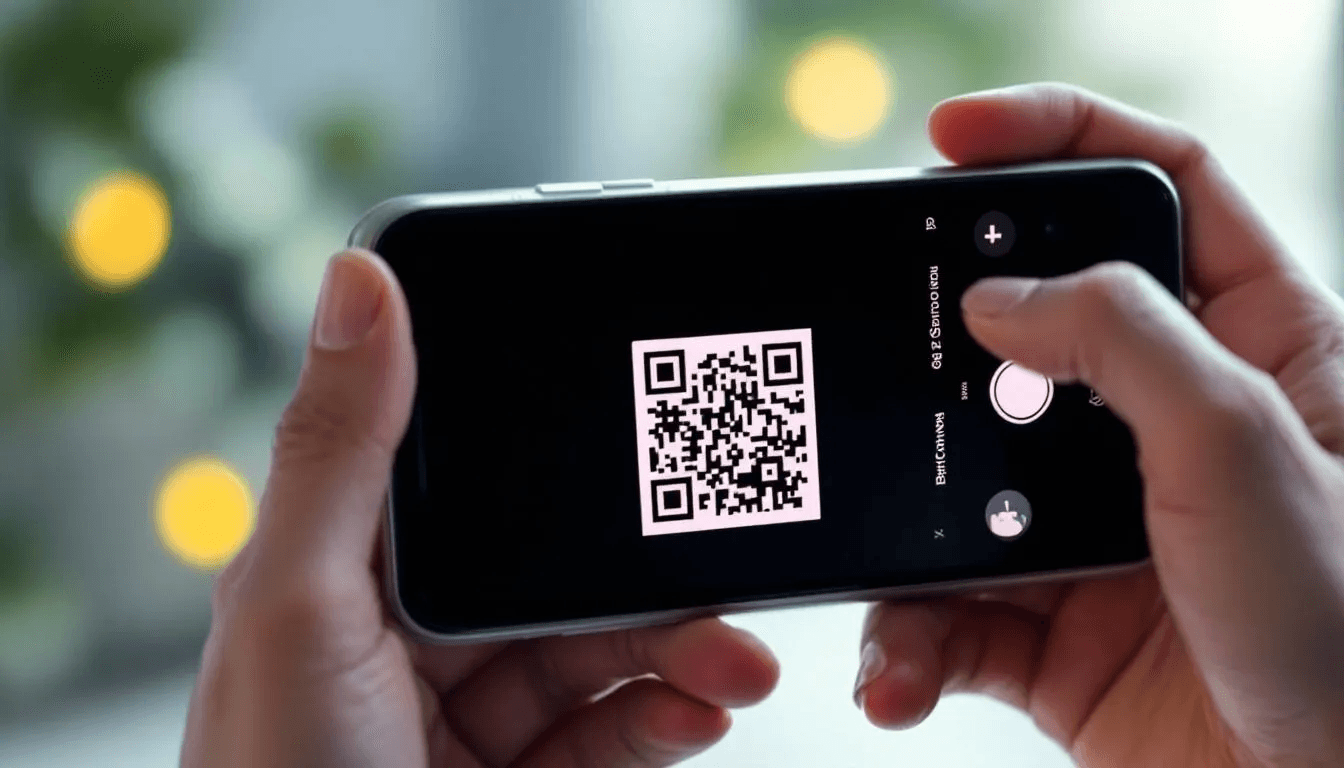
QR Code Scanning QR codes eliminate typing errors and work perfectly for in-person transactions. The sender simply opens their wallet’s send function and scans your QR code with their phone camera. This method is particularly useful when using two phones or conducting face-to-face bitcoin payments.
Email and Messaging Apps Most crypto wallets allow sharing addresses directly through your phone’s sharing functionality. You can send the address through email, WhatsApp, Telegram, or any messaging platform. Some specialized wallets even support receiving bitcoin via email address within their ecosystem.
Critical Safety Reminders:
Never share your private keys, seed phrase, or wallet password
Bitcoin addresses are public and safe to share openly
Double check address accuracy before sending it to anyone
Be cautious of address-swapping malware that changes copied addresses
When sharing your recipient’s wallet address, provide clear instructions about which cryptocurrency to send. Since different cryptocurrencies use similar address formats, specify that you want bitcoin (BTC) to avoid confusion with other cryptocurrencies.
Transaction Confirmation Process
Understanding how bitcoin transactions get confirmed helps you know what to expect when receiving bitcoin and how to verify everything worked correctly.
When someone sends bitcoin to your address, the transaction must be verified by the bitcoin network through a process called mining. Miners collect pending cryptocurrency transactions, verify them, and add them to new blocks on the blockchain approximately every 10 minutes.
First Confirmation Timeline Most bitcoin transactions receive their first confirmation within 10-60 minutes, though this varies based on network congestion and the transaction fee paid by the sender. During busy periods, transactions with lower fees might wait several hours for confirmation.
Confirmation Security Levels
0 confirmations: Transaction is broadcast but not yet mined
1 confirmation: Transaction included in one block (generally safe for small amounts)
3-6 confirmations: Considered secure for most purposes (30-60 minutes)
6+ confirmations: Irreversible and final (recommended for large amounts)
Network Congestion Effects The bitcoin network processes a limited number of transactions per block. During high activity periods, transactions compete for space by offering higher fees. If the network is congested, your transaction might take longer to confirm, but the funds will eventually arrive.
Using Blockchain Explorers
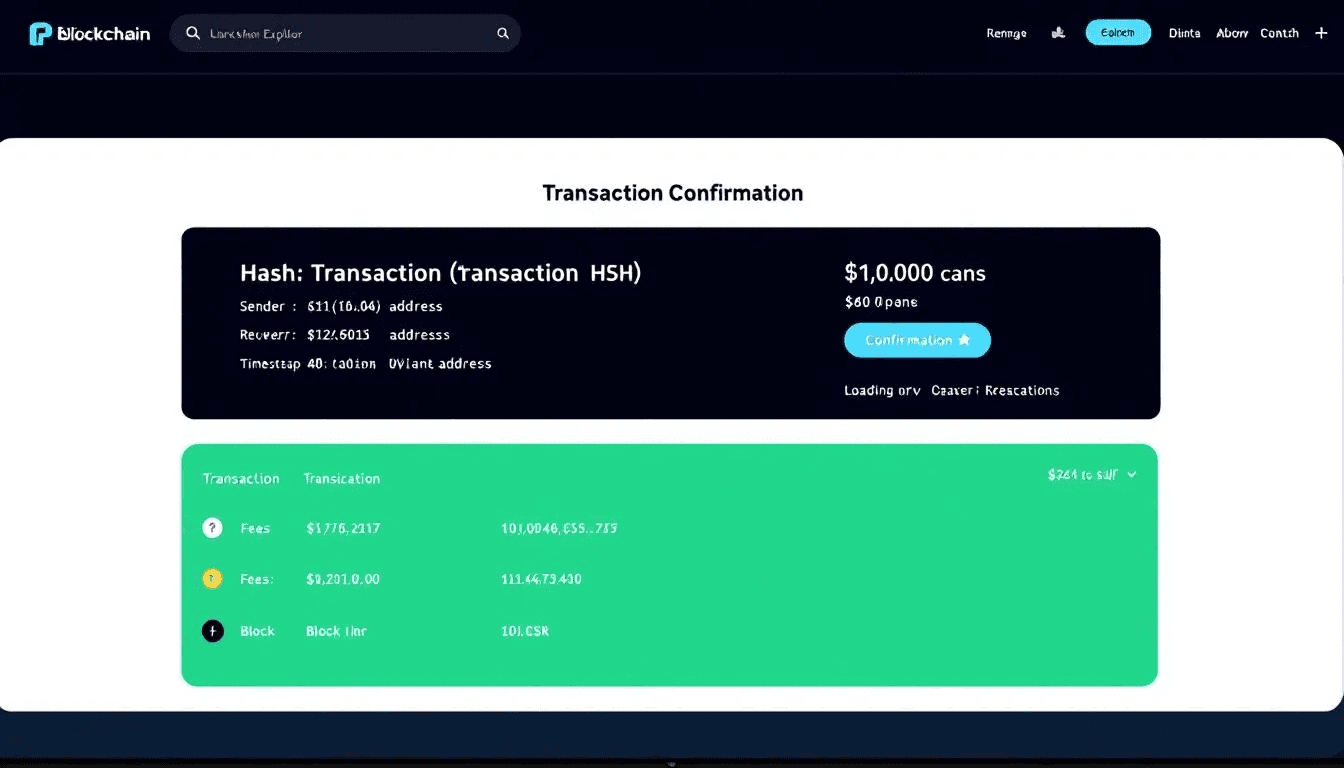
Blockchain explorers are websites that let you search and track bitcoin transactions in real-time. They’re essential tools for verifying that your transaction was properly broadcast and monitoring its confirmation status.
Popular blockchain explorers include:
Blockchain.info: User-friendly interface with detailed transaction information
Blockstream.info: Clean design with advanced features for technical users
BTC.com: Comprehensive explorer with network statistics
To track a specific transaction, you can search using either:
Transaction ID (TXID): Unique identifier provided by the sender
Your bitcoin address: Shows all transactions to that address
Reading Transaction Details:
Confirmations: Number of blocks mined since your transaction
Transaction status: Pending, confirmed, or failed
Amount received: Exact bitcoin amount sent to your address
Fee paid: Transaction fee paid by sender (not your responsibility)
If a transaction doesn’t appear in a blockchain explorer after an hour, the sender may not have actually broadcast it, or there might be an issue with their wallet.
Security Best Practices for Receiving Bitcoin
Receiving bitcoin safely requires following established security protocols that protect both your immediate transaction and long-term fund storage.
Verify Sender Identity When possible, confirm the sender’s identity through a separate communication channel. Scammers sometimes impersonate legitimate businesses or individuals to trick people into providing bitcoin addresses for fraudulent schemes.
Use Reputable Wallet Software Download wallets only from official sources:
Official websites of wallet developers
Verified app stores (Google Play, Apple App Store)
Never download wallets from random websites or third-party stores
Keep your wallet software updated to the latest version for security patches
Secure Your Private Keys Your private keys control access to your bitcoins. Follow these critical security steps:
Never share your private key with anyone
Store your seed phrase backup in a secure, offline location
Consider using a hardware wallet for significant amounts
Use strong passwords and enable two-factor authentication when available
Practice Good Address Hygiene
Generate new addresses for each transaction when possible
Avoid reusing addresses to maintain privacy
Double-check addresses before sharing them
Be aware that bitcoin addresses are case-sensitive
Regular Security Maintenance
Back up your wallet regularly
Test your backup recovery process periodically
Monitor your wallet addresses for unexpected transactions
Keep your device’s operating system updated
For receiving larger bitcoin payments, consider using a hardware wallet or multi-signature setup that requires multiple keys to access funds. This provides additional protection against both technical failures and security breaches.
Common Issues and Troubleshooting
Even with careful preparation, you might encounter issues when receiving bitcoins. Understanding common problems and their solutions helps you resolve issues quickly and avoid panic.
Transaction Not Appearing in Wallet If expected bitcoin doesn’t show up in your wallet after several hours:
Verify the sender used the correct bitcoin address
Check if the sender actually broadcast the transaction to the network
Search for the transaction on a block explorer using the transaction id
Ensure your wallet is properly synced with the bitcoin network
Check if the transaction is stuck in the mempool due to low fees
Delayed Confirmations During periods of high network activity, transactions may take longer than usual:
Transactions with higher fees get priority during congestion
Low-fee transactions might wait several hours or even days
The bitcoin network automatically adjusts difficulty to maintain 10-minute block times
Consider using fee estimation tools for future transactions
Transaction Not Showing Up
When bitcoins don’t arrive as expected, systematic troubleshooting helps identify the issue:
Step 1: Confirm Transaction Details Ask the sender for the transaction id and verify they sent to your correct address. Copy your address directly from your wallet to compare - don’t rely on memory or old messages.
Step 2: Check Blockchain Confirmation Search for the transaction on Blockchain.info or Blockstream.info using the transaction id. This confirms whether the transaction was actually broadcast to the bitcoin network.
Step 3: Verify Network Status Check current bitcoin network conditions. High transaction volumes can delay confirmations for several hours during peak usage periods.
Step 4: Wallet Synchronization Ensure your wallet is fully synchronized with the blockchain. Some wallets may take time to display new transactions, especially if they haven’t been opened recently.
Step 5: Contact Support if Needed If the transaction appears confirmed on blockchain explorers but doesn’t show in your wallet after 24 hours, contact your wallet provider’s support team for assistance.
Most transaction issues resolve themselves with patience, especially during network congestion. The decentralized nature of bitcoin means transactions will eventually process, though timing can vary significantly.
Fees and Costs for Receiving Bitcoin
Understanding the fee structure for bitcoin transactions helps set proper expectations and avoid surprises when receiving bitcoins.
Recipient Fees: Usually None In most cases, receiving bitcoin is completely free for the recipient. The person sending bitcoin pays the transaction fee to incentivize miners to include their transaction in the next block. This is similar to how traditional wire transfers work - the sender typically pays the fees.
Sender Transaction Fees Bitcoin transaction fees vary significantly based on network conditions:
Low activity periods: $1-3 per transaction
Moderate congestion: $5-15 per transaction
High congestion: $20-50+ per transaction
These fees go to miners who secure the bitcoin network, not to wallet companies or intermediaries. Higher fees result in faster confirmations, while lower fees may cause delays during busy periods.
Wallet-Specific Fee Policies
Wallet Type | Receiving Fees | Notes |
Software Wallets | Usually free | Some may charge for premium features |
Hardware Wallets | Free | Only pay when sending transactions |
Exchange Wallets | Variable | May charge deposit fees or withdrawal fees |
Custodial Services | Sometimes | Check terms of service for fee structure |
Hidden Costs to Consider While receiving bitcoin is typically free, be aware of potential indirect costs:
Some exchanges charge fees for depositing bitcoin to their platform
Converting bitcoin to other currencies usually involves exchange fees
Custodial wallets might charge monthly service fees
For regular bitcoin users, self-custody wallets provide the most cost-effective solution for receiving bitcoin payments without ongoing fees or service charges.
Advanced Tips for Regular Bitcoin Users
Once you’re comfortable with basic bitcoin receiving processes, these advanced techniques can enhance privacy, security, and functionality for regular cryptocurrency transactions.
Using Different Addresses for Privacy Hierarchical Deterministic (HD) wallets automatically generate new bitcoin addresses for each transaction from a single seed phrase. This prevents transaction graph analysis where someone could track all your bitcoin activity by monitoring a single reused address. Enable address generation features in your wallet settings to maximize privacy.
Setting Up Watch-Only Wallets Watch-only wallets let you monitor bitcoin addresses without storing private keys on potentially vulnerable devices. Import your public addresses into a separate wallet application to track incoming payments without risking your funds. This is particularly useful for businesses that need to monitor multiple payment addresses.
Understanding Coin Selection and UTXO Management Bitcoin transactions use “Unspent Transaction Outputs” (UTXOs) - basically the individual amounts you’ve received in past transactions. Advanced wallet features let you choose which UTXOs to spend, helping you optimize fees and maintain privacy. Some wallets show coin control features in their advanced settings.
Using Payment Processors for Business Applications Businesses receiving regular bitcoin payments can integrate payment processors like BTCPay Server or BitPay. These services generate unique bitcoin addresses for each customer order, automatically convert to fiat currency if desired, and provide detailed payment reporting for accounting purposes.
Tax Considerations for Receiving Bitcoin Payments Receiving bitcoin may have tax implications depending on your jurisdiction and the reason for receiving funds:
Employment payments in bitcoin are typically taxable income
Business payments require proper record-keeping for accounting
Gifts and personal transfers may have different tax treatment
Consult a tax professional familiar with cryptocurrency regulations
Advanced Security Measures For significant bitcoin holdings or business use:
Implement multi-signature wallets requiring multiple keys to authorize transactions
Use hardware security modules (HSMs) for enterprise-grade key storage
Set up geographically distributed backup systems for wallet recovery
Consider cold storage solutions for long-term bitcoin storage
These advanced features become more important as your bitcoin activity increases or if you’re receiving bitcoin for business purposes. Start with basic security practices and gradually implement advanced features as your needs grow.
Most successful bitcoin users develop systematic approaches to receiving, storing, and managing their cryptocurrency holdings. The key is starting simple and building more sophisticated practices over time as you gain experience with the bitcoin network and its various tools.
Whether you’re receiving your first small test transaction or setting up enterprise-level bitcoin payment processing, following established best practices ensures your funds remain secure while maximizing the benefits of peer to peer transactions in the digital economy.
Understanding how to receive bitcoins properly forms the foundation for all other bitcoin activities. Master these fundamentals, stay informed about evolving wallet technologies, and always prioritize security over convenience when handling cryptocurrency transactions.